
A convincing text from your bank. A call asking for more personal details. A great deal on a second-hand phone on marketplace. A message from someone you know asking for money. Scams don’t all look the same, and they keep evolving. That’s why we’re building protection in layers, across our network and the way we check who you are.
This Fraud Awareness Week, here’s how we’re helping keep New Zealanders safe from scams, and some tips to stay safer online.
Scam calls stopped before your phone rings
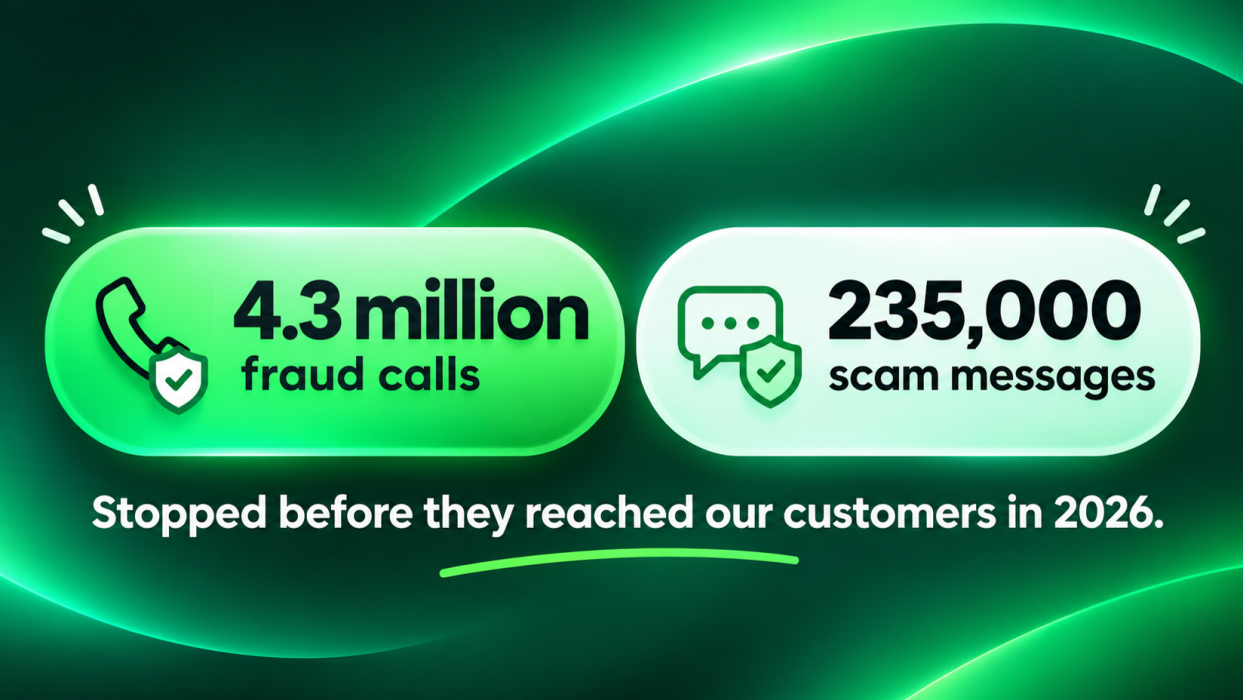
We use AI to help analyse unusual calling patterns and spot suspicious activity in real time. In 2026, we’ve blocked more than 4.3 million fraud calls.
Scammers can also fake the number on your screen, so caller ID alone isn’t proof of who’s calling. Through the Do Not Originate (DNO) initiative, organisations can identify numbers that should never be used to make outgoing calls, so we can detect and block them. Our fraud prevention team also investigates reports of spoofing and works with other telcos, industry partners and the organisations affected.
Scam texts blocked before they reach you
Since we launched our SMS firewall in January 2026, it has blocked more than 235,000 scam messages from reaching our customers. They include fake bank and delivery messages, government impersonation scams and those all-too-familiar “Hi Mum” phishing texts.
Making it harder for someone to pretend to be you
We use biometric verification when you order a new phone from One New Zealand, comparing your live facial image with the photo on your ID to confirm you’re the rightful owner. In its first 12 months, it prevented thousands of identity documents from being misused. With One Identity in the My One NZ app, you can also sign in with passkeys, using Face ID, your fingerprint or device PIN where supported, instead of relying on a password.
Buying second-hand? Know who you’re buying from
When you’re buying second-hand, it helps to know who you’re buying from. One example of a trusted place to buy is a brand you’re familiar with, like our refurbished mobile phones, which are professionally tested before they’re sold. They’re only available online, so they’re also a good reminder of what to look out for when you shop online anywhere.
So whenever and wherever you're shopping online, check the seller, check independent reviews and check how you're paying. That’s also the focus of this year’s national Fraud Awareness Week campaign, “Check It Before You Check Out”. Read more: Three checks. Zero regrets.
What you can do
There is no technology that can stop every scam without a human in the loop, so a few simple habits help:
- Pause before you act. Urgency is a scammer’s favourite way to rush you.
- Don’t rely on caller ID. If a call asks for passwords, PINs, verification codes or banking details, hang up and contact the organisation using details you know and trust.
- Check before you buy. Look for independent reviews, verify the seller and use a payment method that offers protection.
- Be careful with links. If you’re unsure, go straight to the organisation’s official website.
Staying safe isn’t down to one party. It’s something we do together.